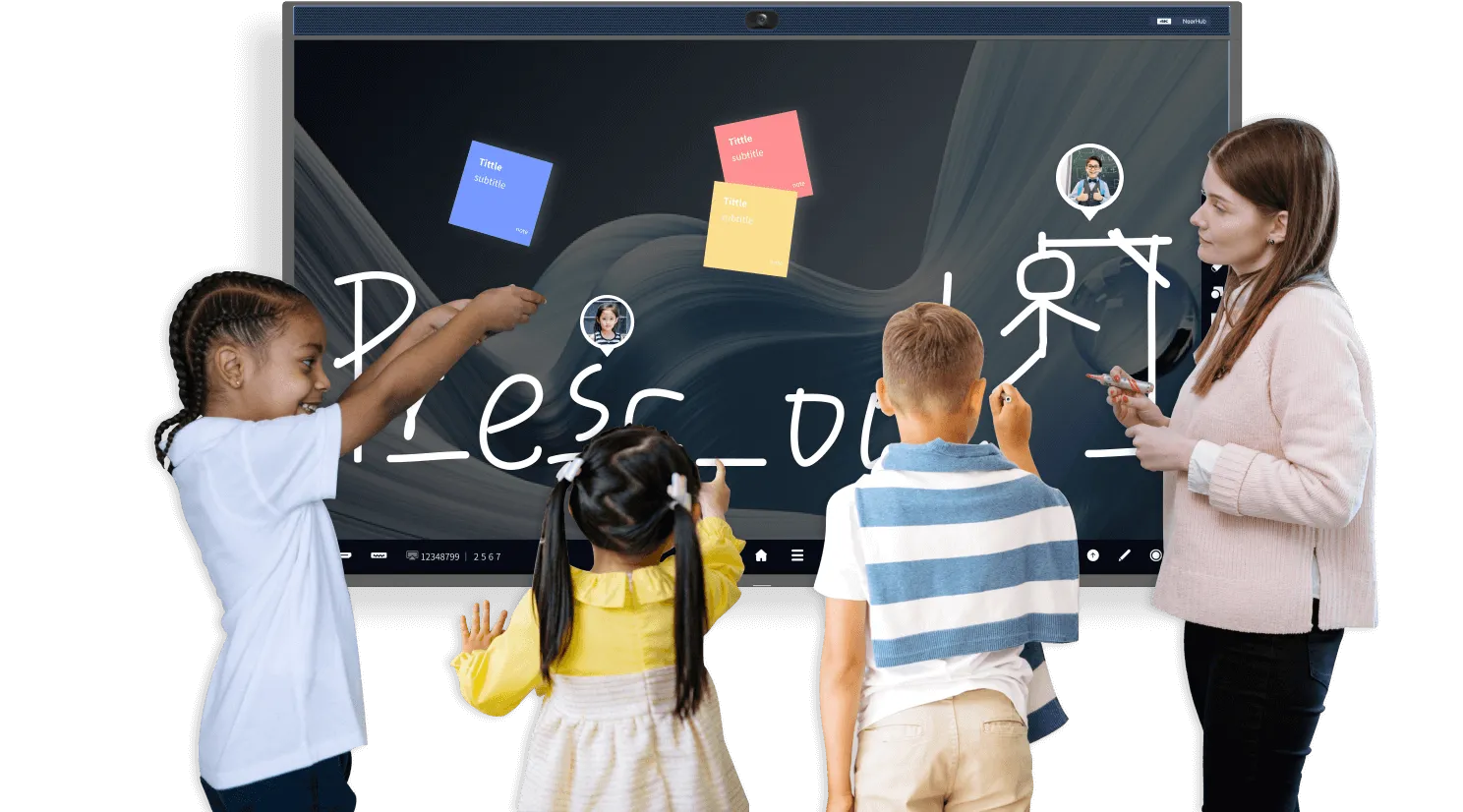
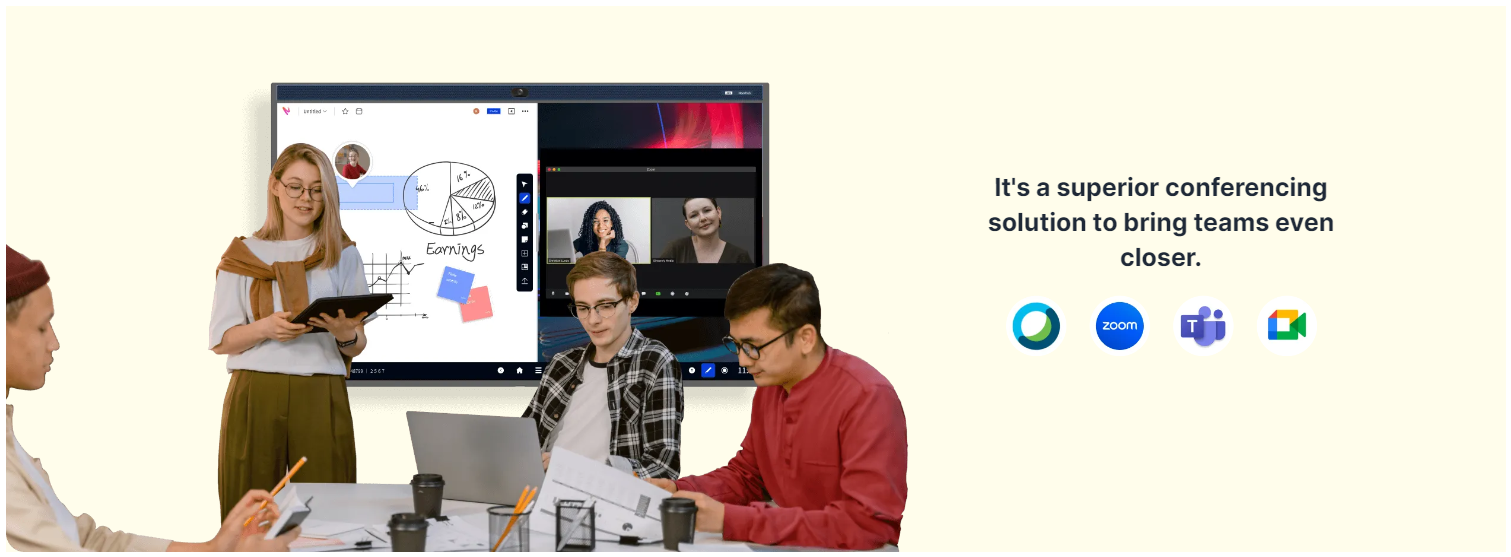
NearHub make it simple to collaborate from anywhere, anytime, whether for mirroring content, annotating on real-time whiteboard SaaS, or conducting video meetings across platforms.
Awards and Reviews
Best Seller Awards 2023
We have been awarded the one of the best seller in 2023 from Amazon.
Product Hunt – 5 Stars
Product Hunt has awarded Nearity with 5 Stars rating.
Reviews.io – 4.8 Stars
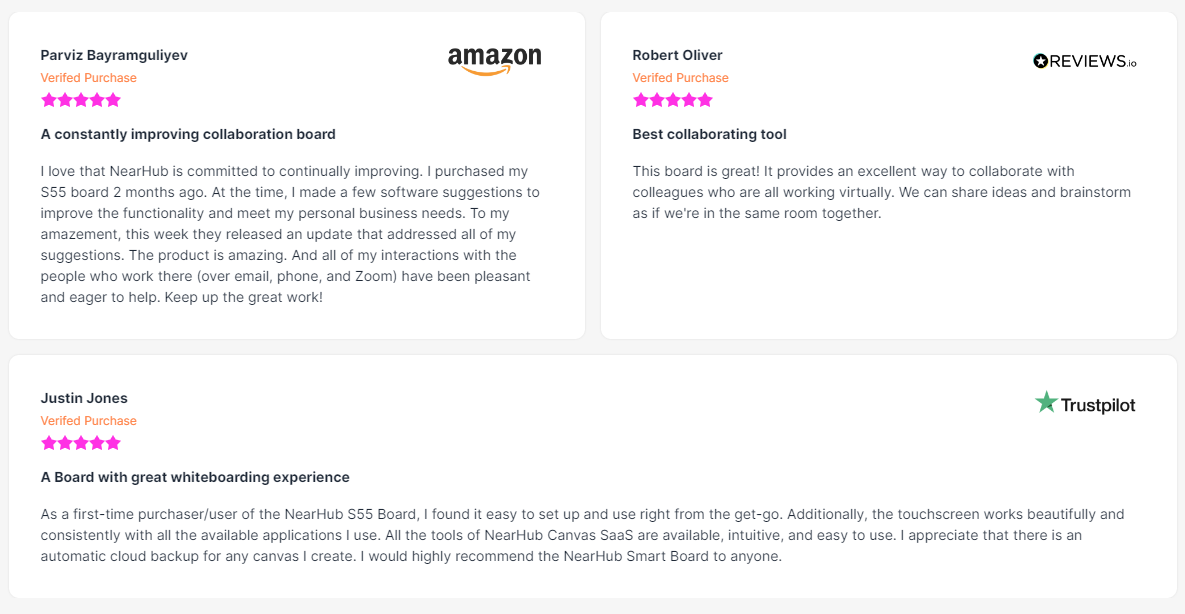
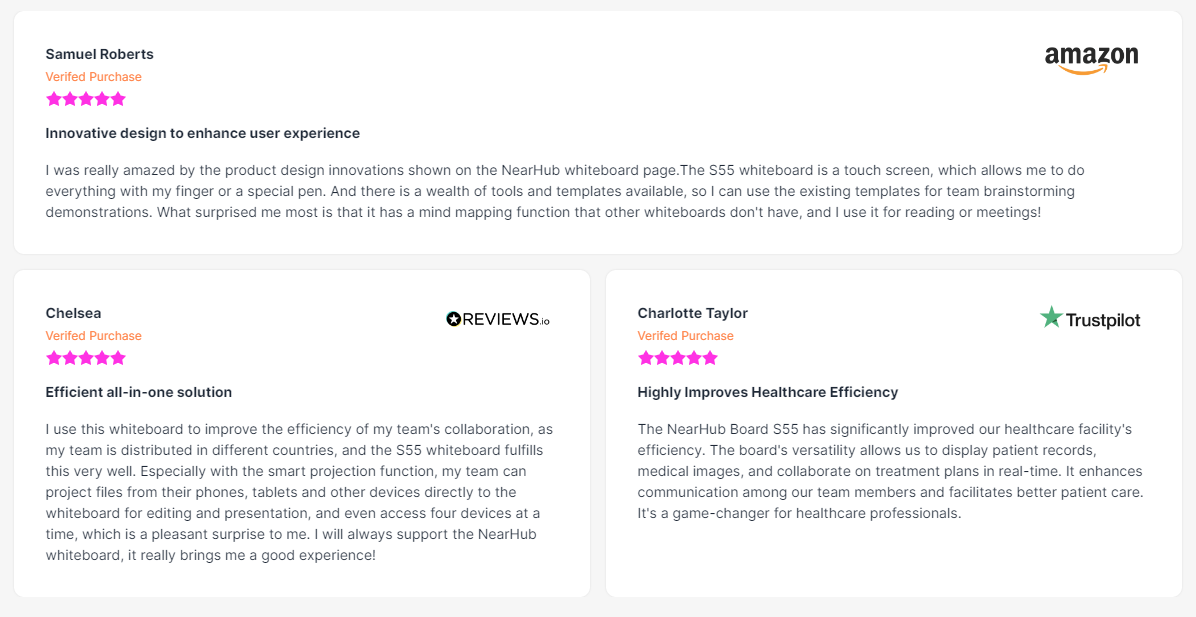
Reviews.io has awarded us with 4.8 Stars rating.
Trustpilot – 4.8 Stars
Trustpilot has awarded us with 4.8 Stars rating.
Stunning, Effective and Affordable Smart Board for Any Space
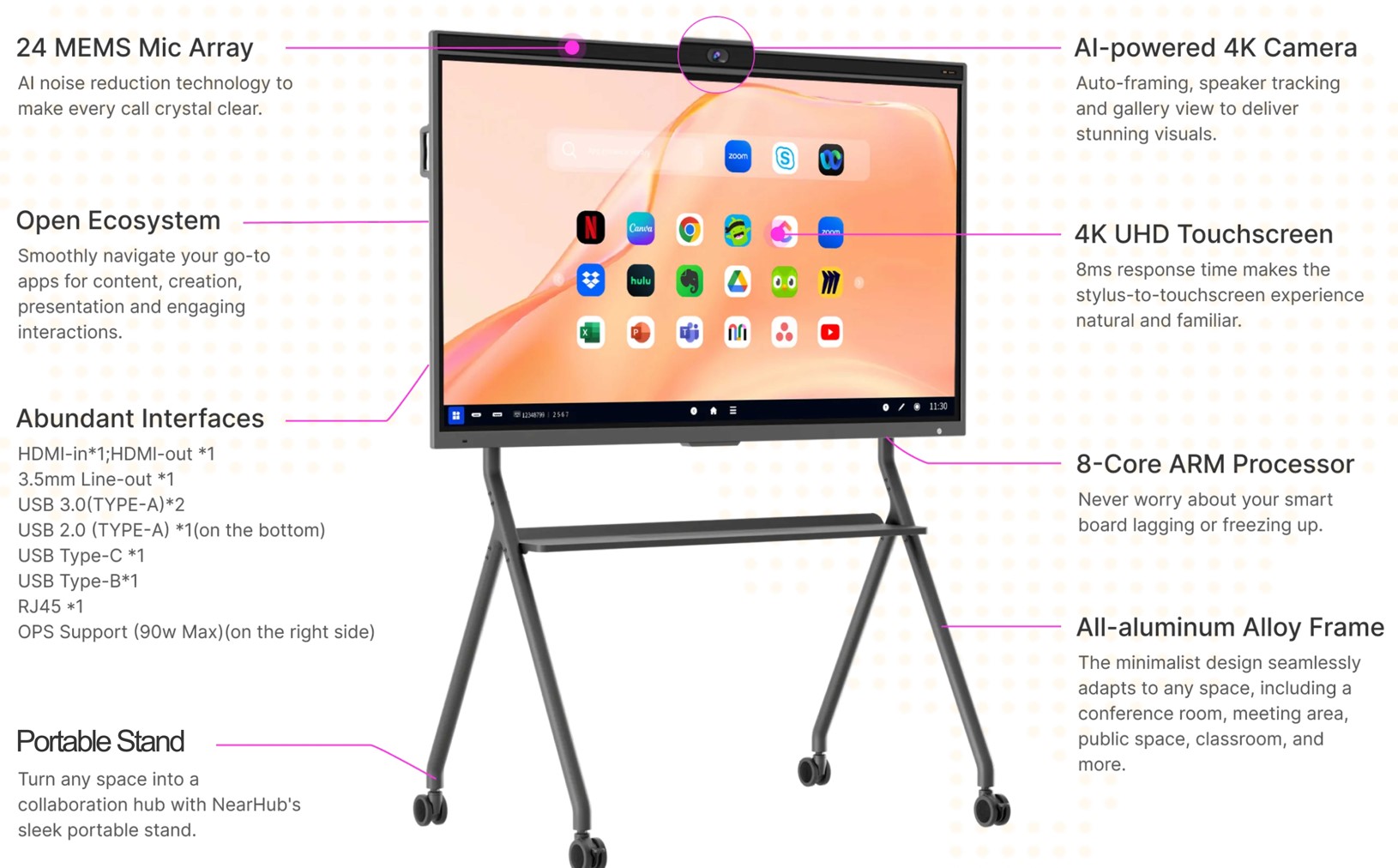
NearHub Smart Board S55/S65/S75/S86
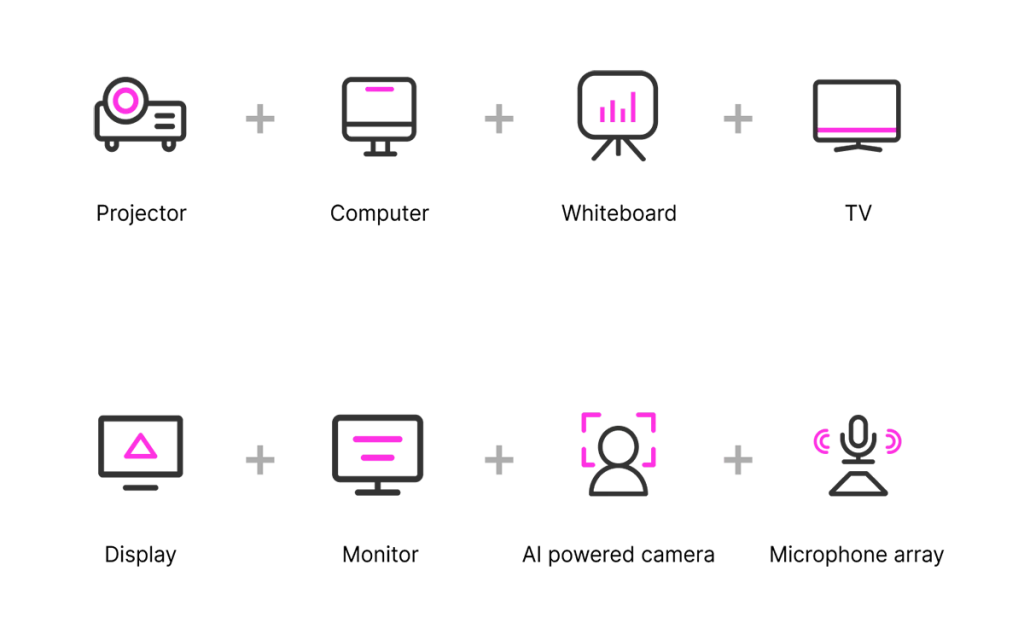
All-in-one huddle room solution for hybrid teams. Built for next-level visual communication, and team collaboration.
Open System Based on AndroidOS
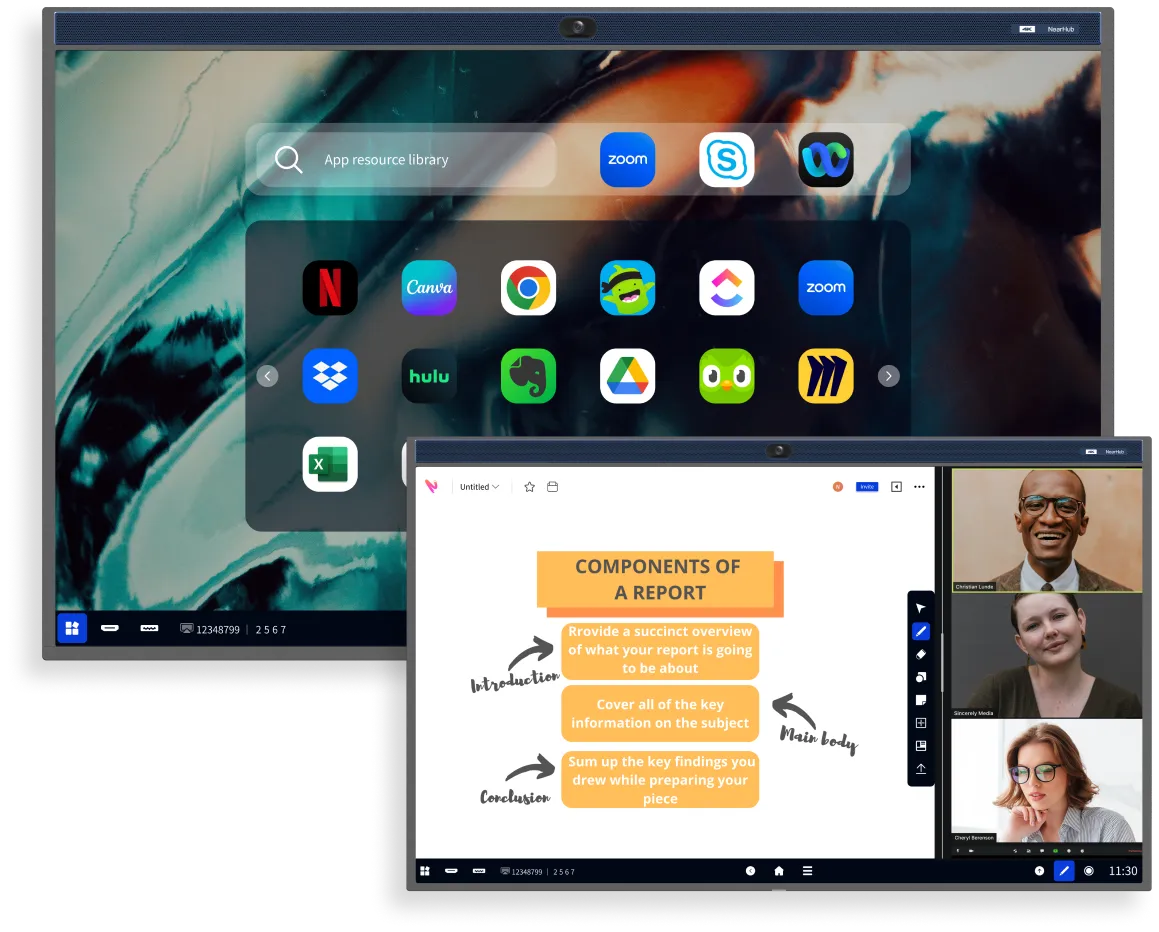
NearHubOS, built on the foundation of AndroidOS, is specifically designed to optimize touchscreen functionality. You can enrich your ideas through annotations, view multiple windows using split-screen mode, and initiate meetings with a single click.
*NearHub Board could also install Windows system via OPS.
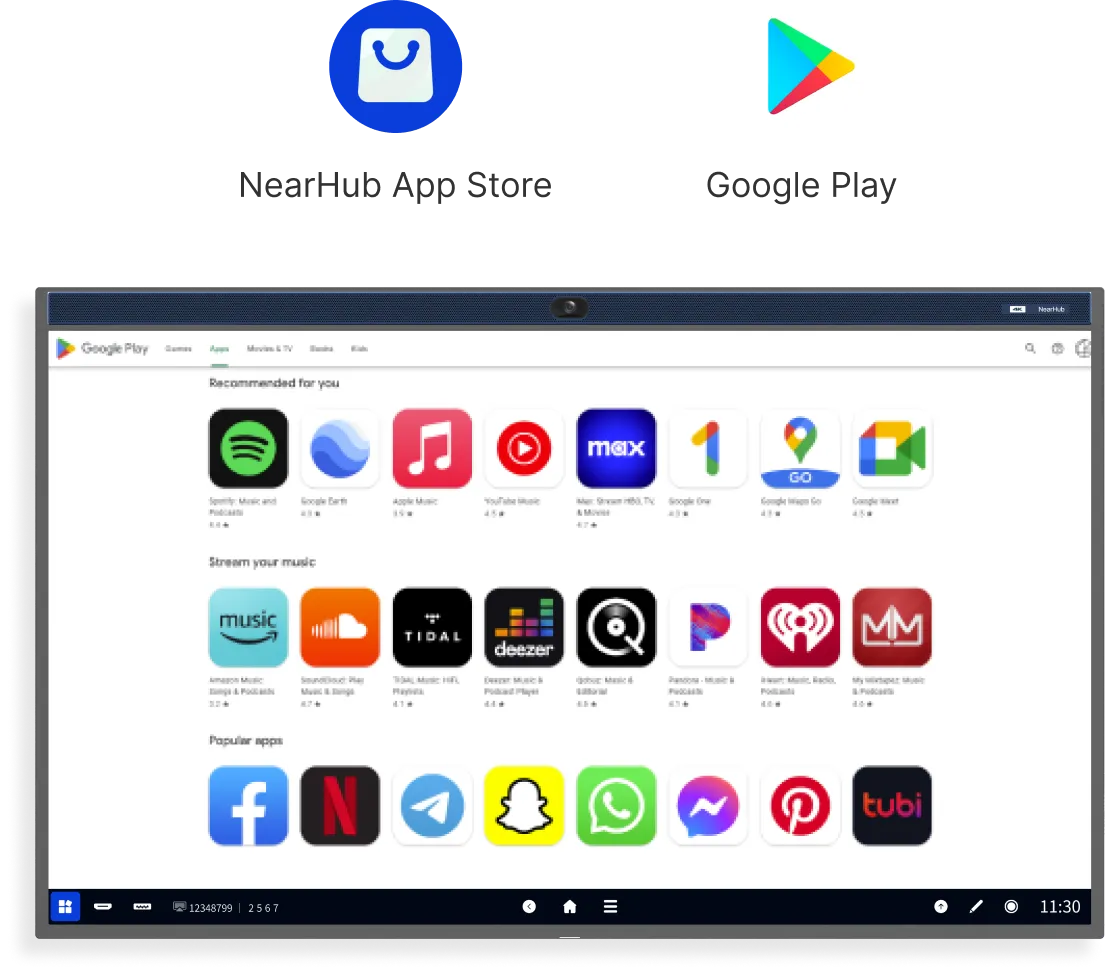
Work with Loved Apps from GooglePlay and NearHub App Store
NearHubOS seamlessly integrates Android 11 runtime, enabling full support for the Google Play Store and your favourite touchscreen-friendly apps. That means easy and fast adoption throughout organizations with minimal support from IT teams.
Upgrade Your Home Entertainment with the Super Smart TV
NearHub offers a seamless transition from home office to home theatre. You can enjoy effortless streaming with your favourite apps such as Youtube, Netflix and Hulu, and easily integrate your Apple TV and game consoles into the NearHub Board.
The Best Smartboard For You
Meet. Present. Huddle. Teach. Create. Stream. Entertain. Do it all with NearHub.
Seamlessly Integrate Your Workflow with NearHub’s Open Ecosystem
Go beyond Microsoft 365. Work with all your workflow apps.
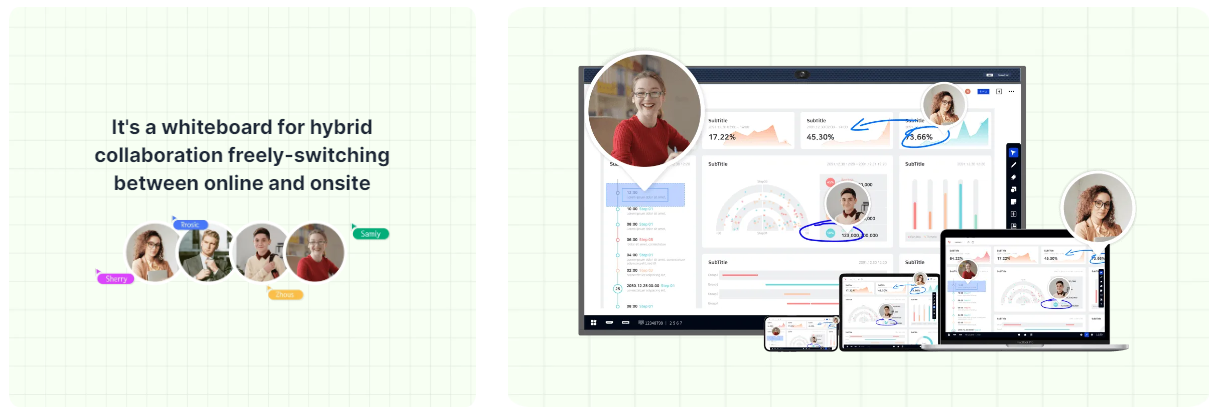
Multi-Device Support

Collaborate seamlessly on NearHub Smartboard, Computer, iPad, or Phone, from anywhere you want.
Timer
Set and track designated time intervals for efficient collaboration.
Annotate

Annotate on your PDF files or images to illustrate your ideas.
Comment

Add feedback and ideas to help drive team discussions.
Presentation Mode
Focus on specific areas of your Canvas while presenting.